VS2013 Theme
Classic Visual Studio 2013 styling with three color variants. Built from embedded .vstheme.gz (gzip-compressed) theme resources using the VS theme parser infrastructure.
Installation
dotnet add package Dirkster.AvalonDock.Themes.VS2013
Variants
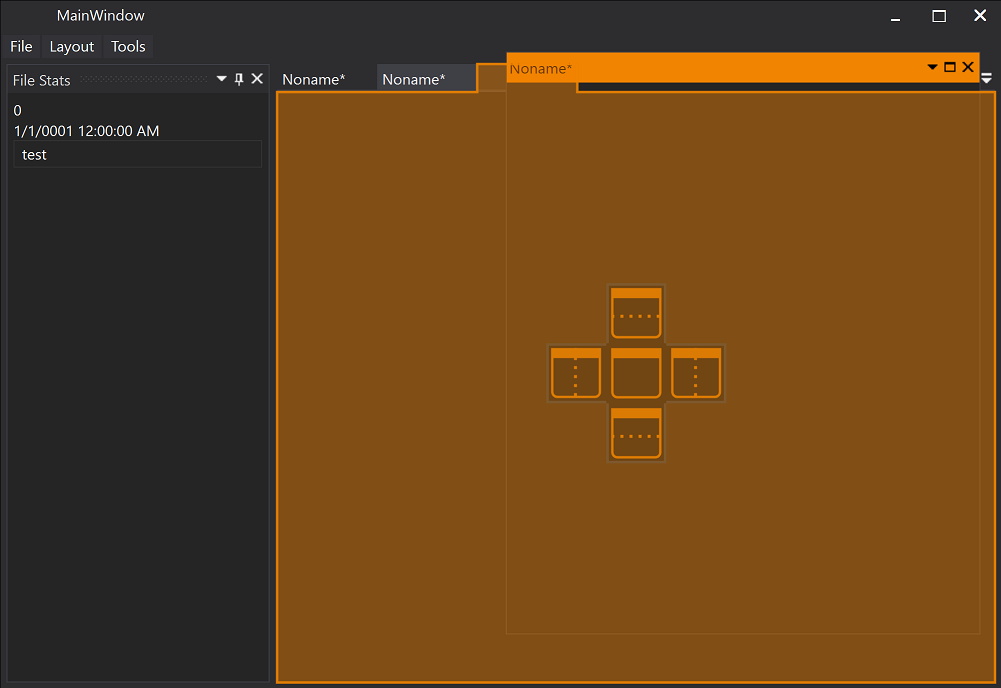
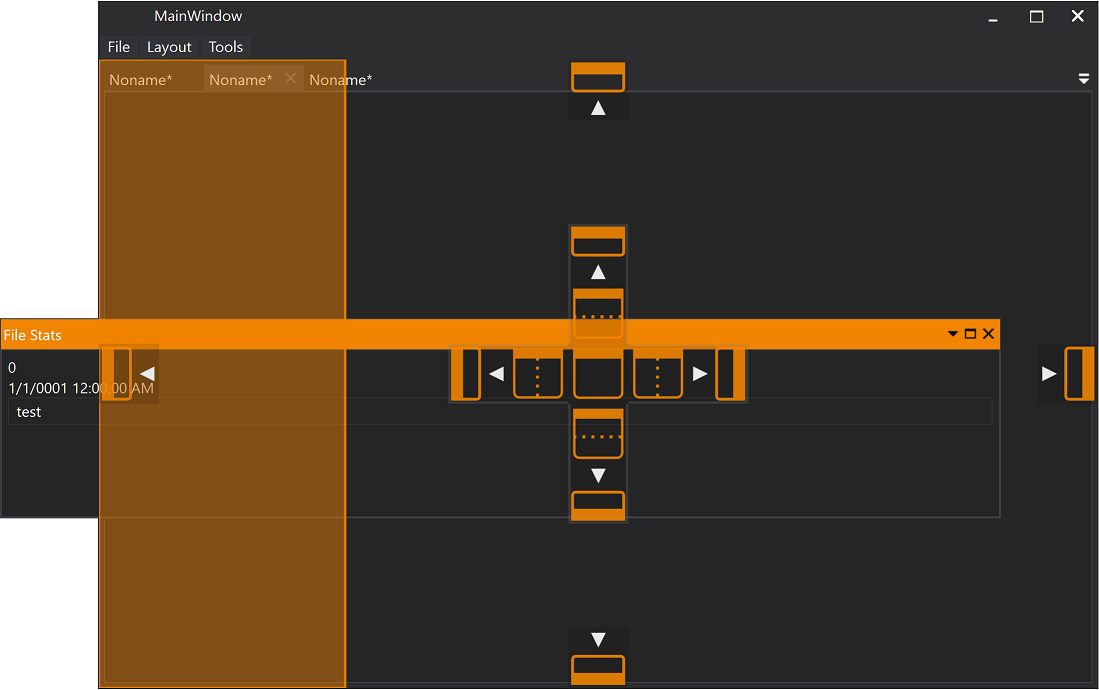
Dark
dockManager.Theme = new Vs2013DarkTheme();
Dark color scheme matching Visual Studio 2013’s dark mode.
Light
dockManager.Theme = new Vs2013LightTheme();
Light color scheme for a clean, professional appearance.
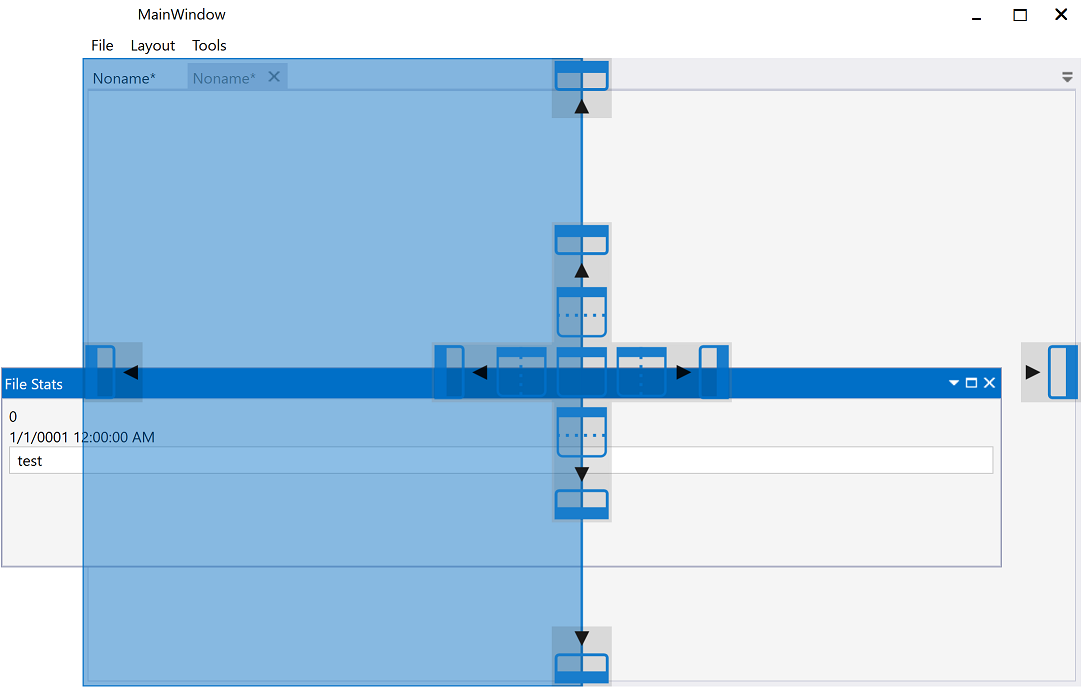
Blue
dockManager.Theme = new Vs2013BlueTheme();
The signature Visual Studio blue accent theme.
Embedded Theme Resources
The VS2013 themes are packaged as gzip-compressed .vstheme.gz files. You can access the raw bytes for custom processing:
byte[] darkBytes = VsThemeResources.Dark;
byte[] lightBytes = VsThemeResources.Light;
byte[] blueBytes = VsThemeResources.Blue;
These are parsed at runtime through VsThemeParser.ParseGZip() and mapped to AvalonDock resource keys via VsThemePaletteFactory. See the VS Theme page for details on the .vstheme parsing API.
Screenshots
| Dark | Light |
|---|---|
 |
 |
 |
 |
For a comprehensive demo, see the VS2013 Dark/Light Demo Client wiki page.